Patient consultations
Opens the patient’s consultation, or creates one for today if needed.
Launch Dorsum from a MediRecords appointment to bring patient details into your consultation, then review and save notes and letters back to the patient record.
Less admin. More time for care.
Launch Dorsum from a MediRecords appointment to bring patient details into your consultation, then review and save notes and letters back to the patient record.
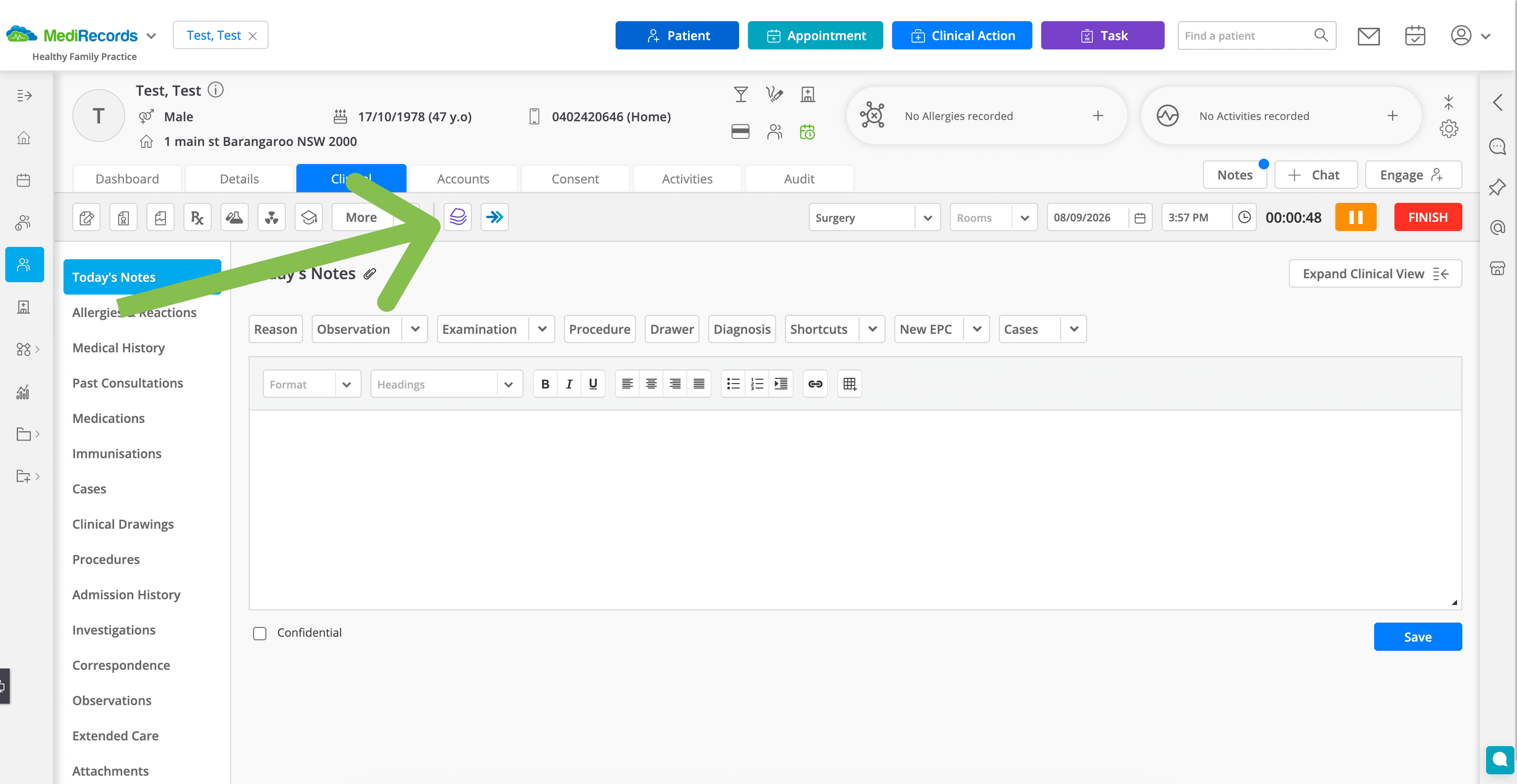
Open the appointment’s Clinical tab in MediRecords and click the Dorsum icon. Dorsum opens the patient’s consultation, or creates one for today if needed.
Launch from MediRecords each time to carry the appointment’s patient details into Dorsum.
What you can do
Opens the patient’s consultation, or creates one for today if needed.
Carries patient details from the MediRecords appointment into Dorsum.
Saves practice keys once; other doctors connect by launching from MediRecords.
How it works
Follow the steps to connect MediRecords and use it with Dorsum.
Get a MediRecords API licence for your practice and have its API key and FHIR key ready.
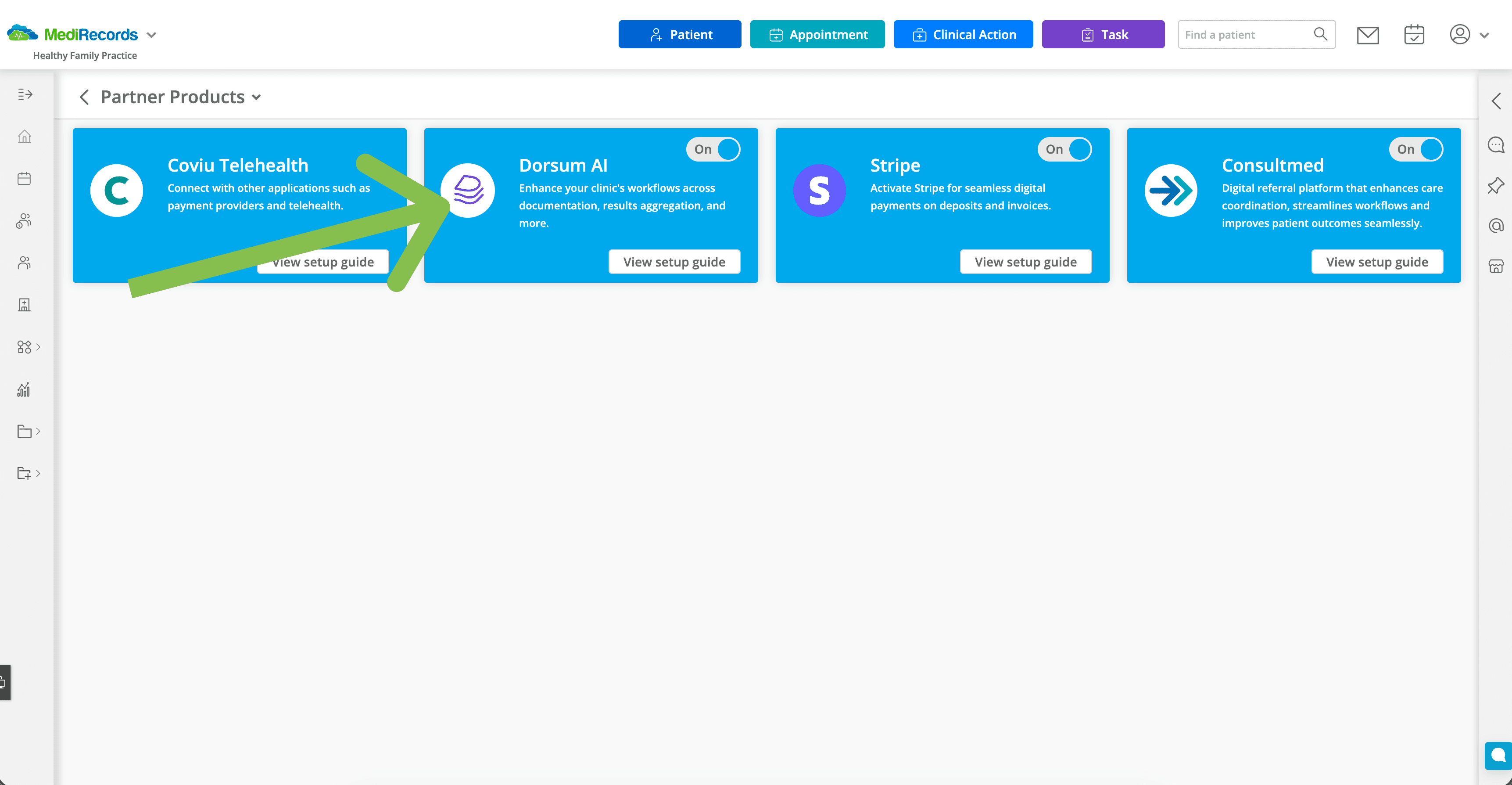
In MediRecords, open Add-ons → Dorsum and activate it for your practice.
Open an appointment, select the Clinical tab, then click the Dorsum icon.
Sign in to Dorsum. On your practice’s first connection, enter its API key and FHIR key, then select Save and continue. Your original patient import continues automatically.
Get connected