Dorsum now supports telehealth audio capture
Doctors can now choose to audio from your telehealth consultations to capture both your microphone's audio and the patient's audio, making remote consult documentation more complete and accurate.
Friday, May 22, 2026 • 3 min read
Overview
Released on Friday, May 22, 2026, this feature adds direct telehealth audio capture to Ambient. Doctors can include both sides of a remote consult more reliably, helping generated documentation better reflect the full encounter.
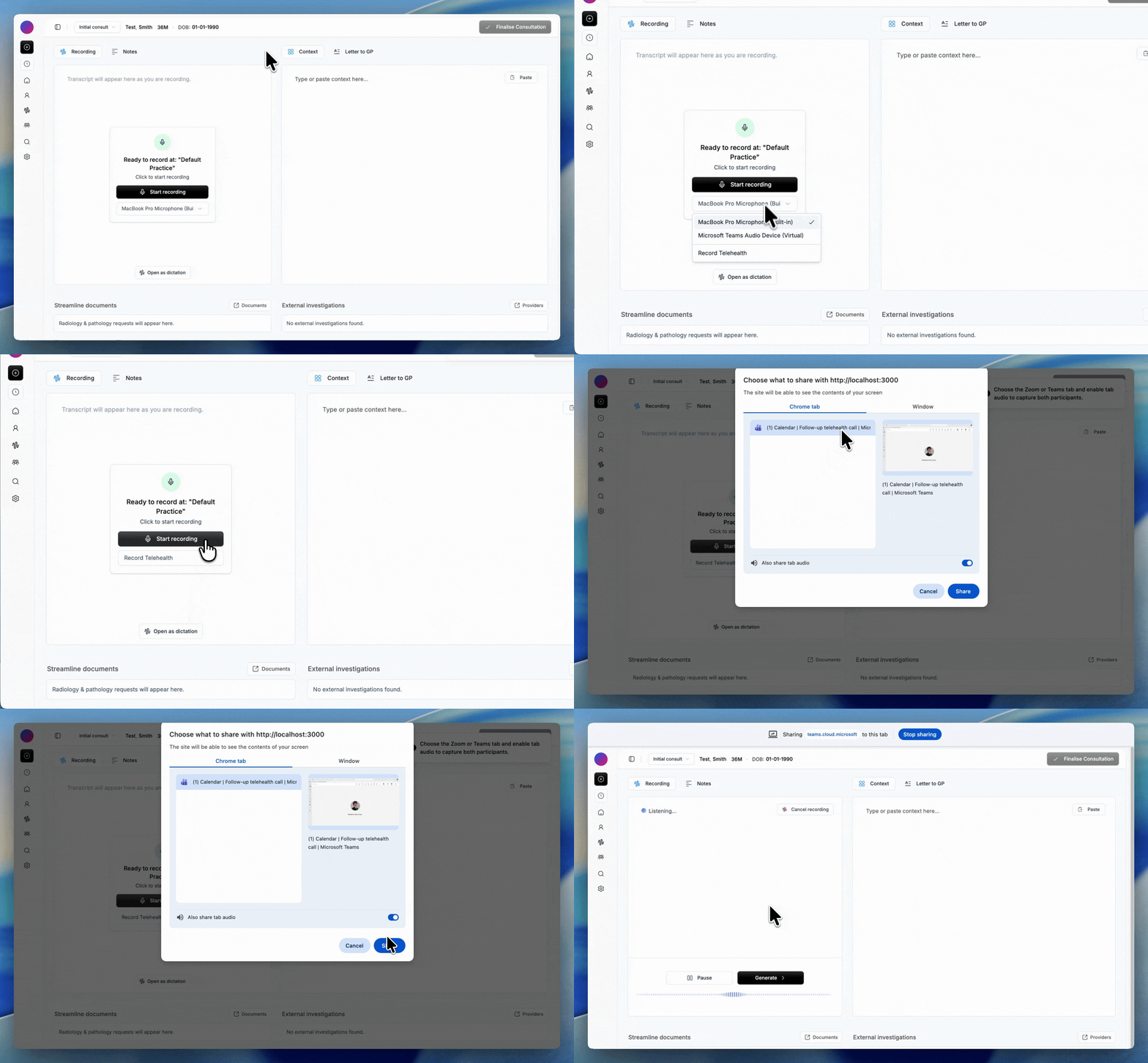
- Choose Record Telehealth from the microphone dropdown
- Capture both doctor microphone audio and telehealth tab/app audio
- Supports common telehealth apps such as Zoom and Microsoft Teams
- If shared tab/app audio stops, recording continues on microphone audio
- Built for more complete and accurate remote consult documentation
- Currently available on desktop/computer only
Record Telehealth
From the microphone dropdown, doctors can now select Record Telehealth to start a combined recording flow designed for remote consults.
- Capture the doctor microphone
- Capture audio from a selected telehealth tab or desktop app
- Works with common consult platforms including Zoom and Microsoft Teams
Stay in control
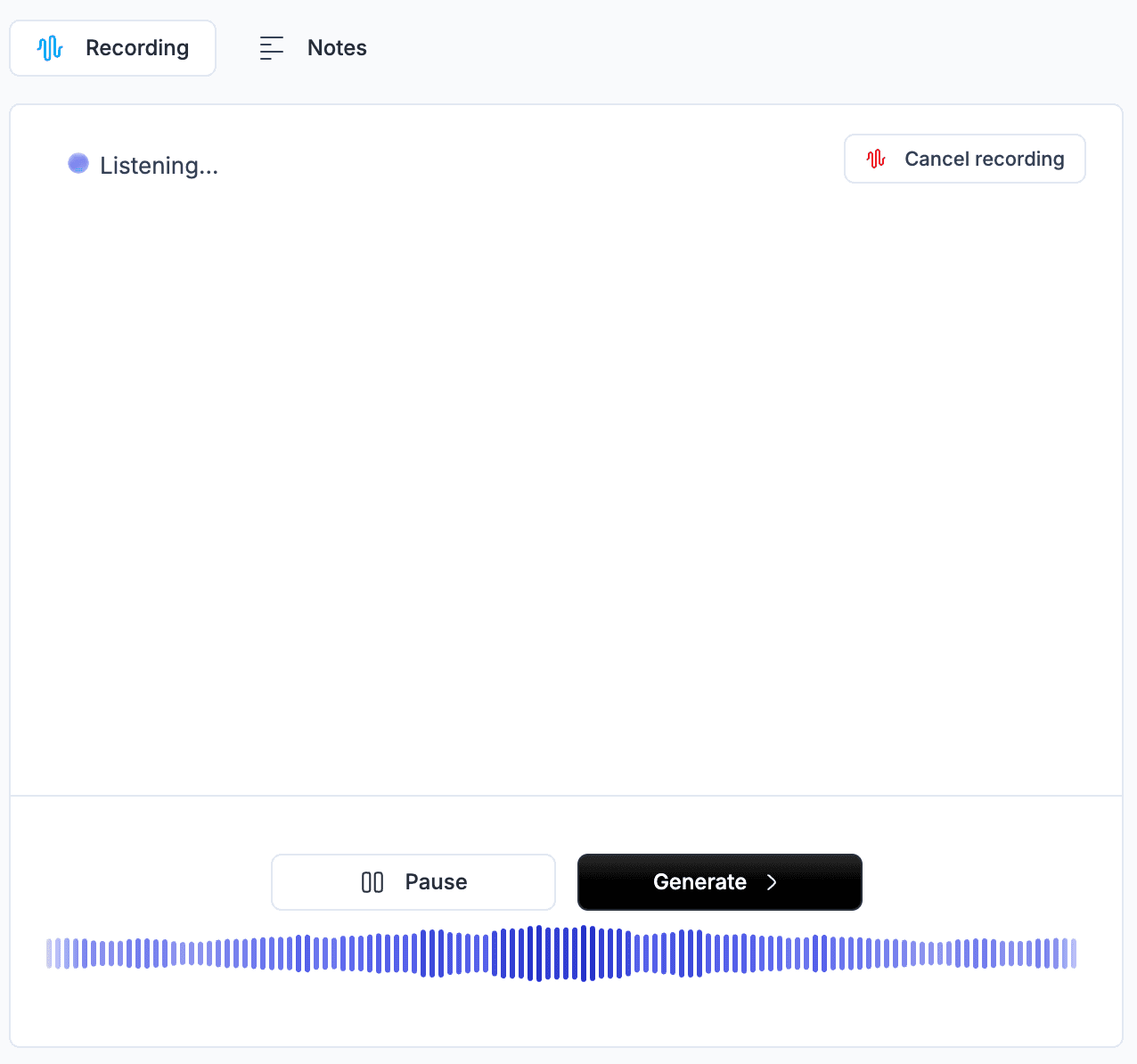
If tab or app audio sharing is interrupted, recording continues on the doctor microphone. This helps avoid losing the consult record and keeps control with the clinician.
- No forced stop when shared tab/app audio ends
- Microphone recording continues for continuity
- Helps preserve documentation quality in live remote sessions
Desktop availability
This feature currently works on desktop and laptop computers, including common telehealth platforms like Microsoft Teams, Google Meet, and Zoom. Mobile support is not included in this release.
Next steps
Get in touch
Need help with this release?
Want a walkthrough of what's new, or support planning rollout for your team? We can help.