Summary
A specialist consultation often needs more than a note. There is the referral to read, investigations to review, a letter to prepare and sometimes a request for further tests. Dorsum keeps that work around the same patient and consultation.
Here is how the parts fit together in a typical clinic.
Start with the patient and relevant history
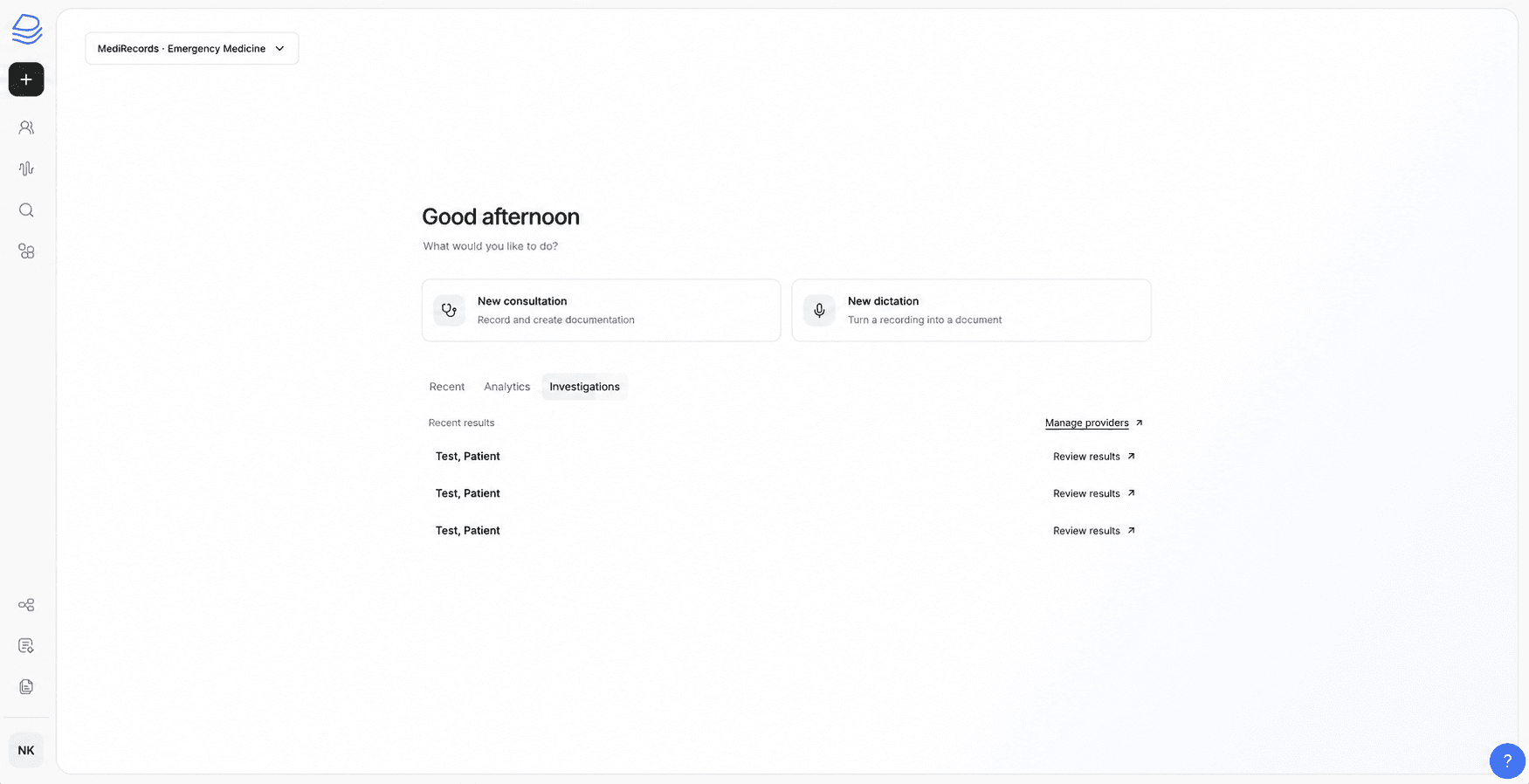
Open the patient through your practice integration, or start a consultation in Dorsum. Check the appointment details, then add the referral, previous correspondence or other information you need in Context.
Choose the documents you want to prepare. You can set different defaults for an initial consultation and a follow-up, so you do not have to select the same templates at every visit.
Review investigations alongside the consultation
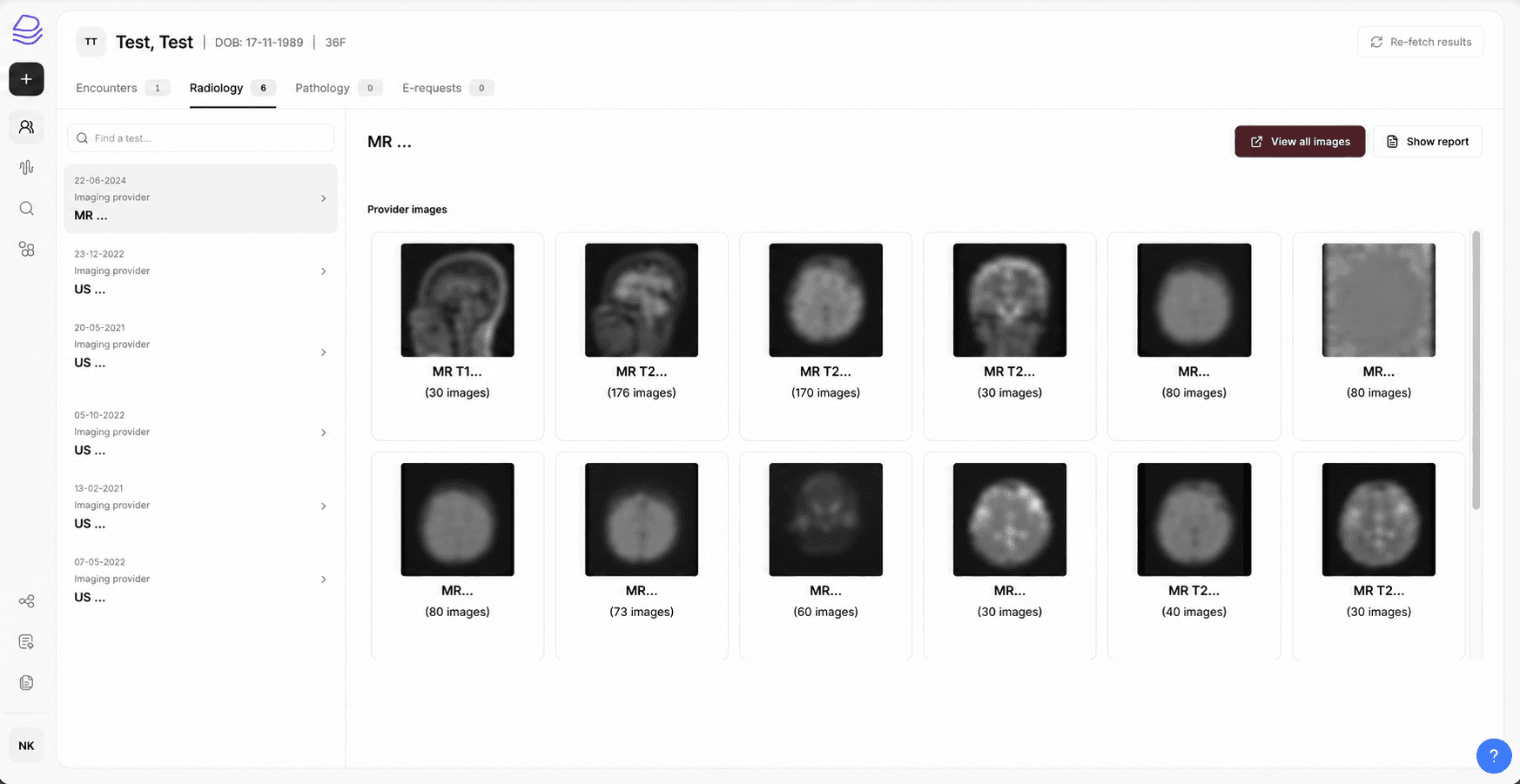
Open the patient’s Radiology or Pathology tab to review available results. Reports and image-viewer links sit with the investigation, so you can go from the result list to the study you need.
Add the report text or findings you want used in the consultation. You can also look up results without starting a new consultation.
Prepare notes and letters from the consultation
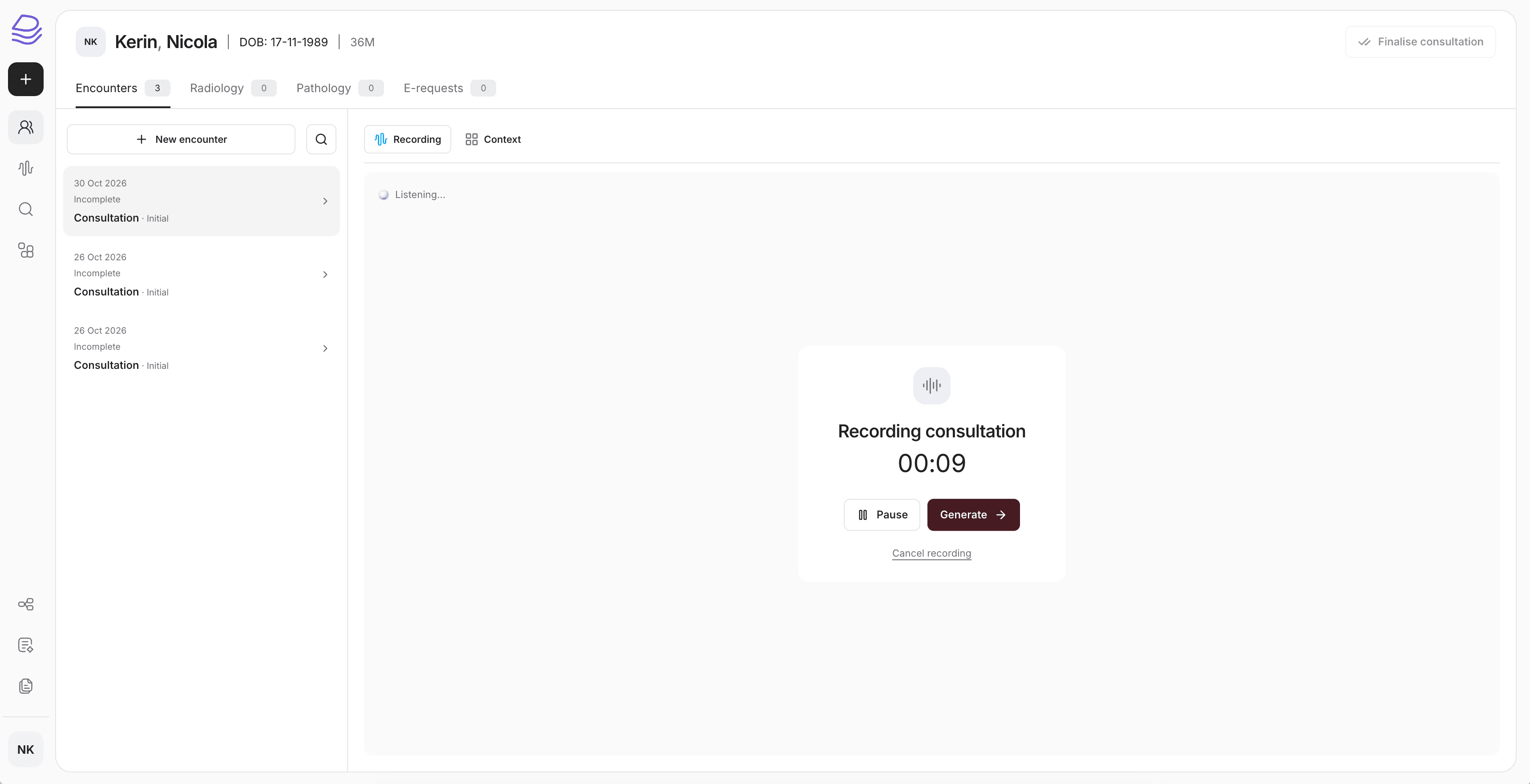
Record the consultation, then generate the documents using your chosen templates. If you prefer to dictate a letter afterwards, start a dictation instead.
The same consultation can produce a note for the record and a letter for the referrer. Each uses its own template, with the structure and level of detail you have chosen. Review and edit the drafts before finalising.
Make the templates fit the way you write
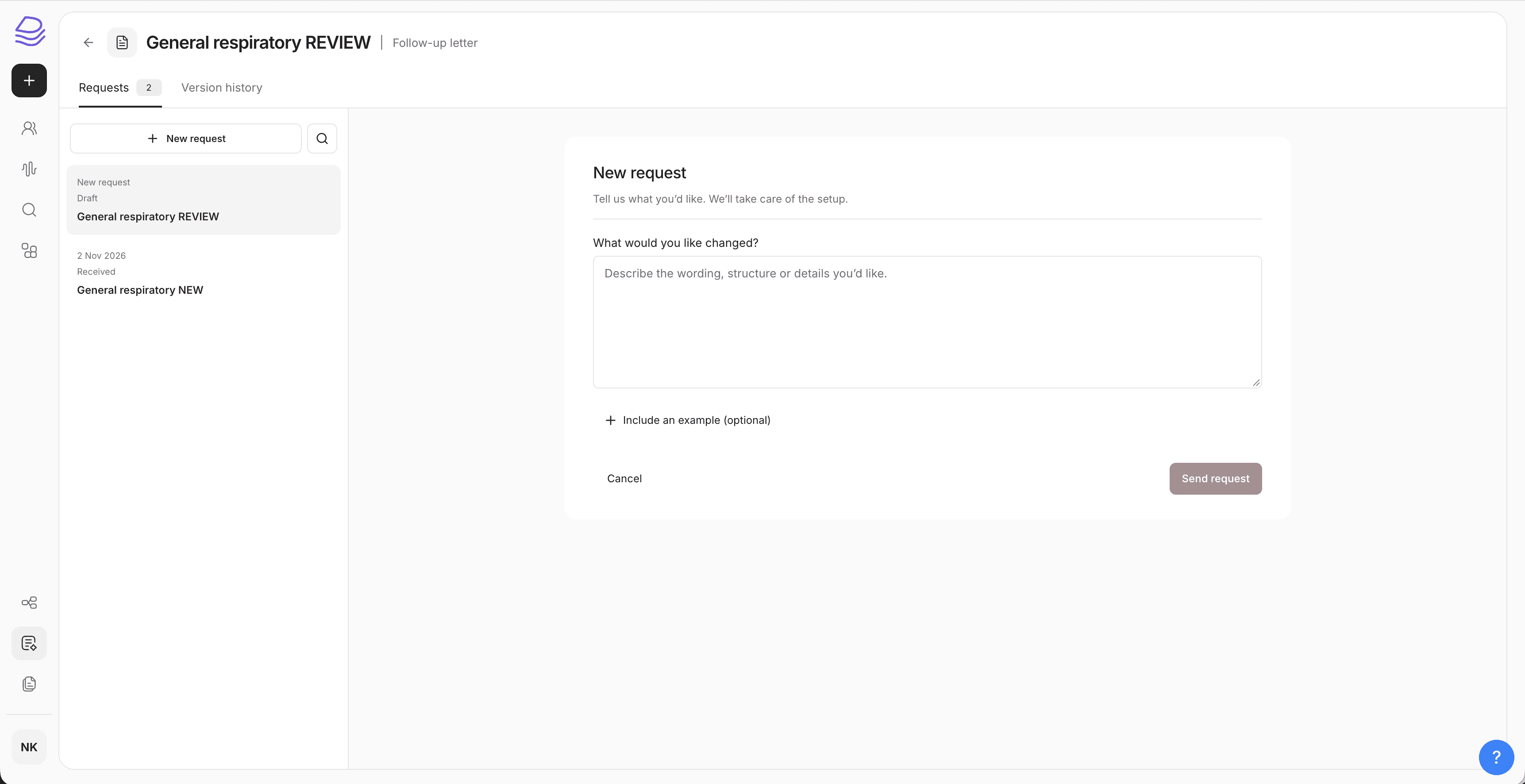
If you keep making the same edit to your letters, update the template rather than repeating it in every draft. You can adjust the available sections, order and formatting, or ask the team to make a change.
For example, ask for a shorter opening summary, a separate investigations section or a plan written in bullet points. Include an example letter to show the style you want.
Finish with the documents in the right place
When you finalise the consultation, choose the notes or letters to save. Your EMR integration determines which document types you can save and where they appear in the patient record.
Check the save result before moving to the next patient. Saving a letter to the record and sending it to the referrer are separate actions.