Summary
Start with the document you use most often. Set its structure and style, review a sample, then repeat the process for other notes or letters. Initial and follow-up consultations can use different templates.
Choose the closest starting template
Open Templates and find a template suited to the document you need. Consider the purpose and reader, not just the specialty name.
Compare its sections with a typical document from your practice. Keep the sections that help the reader understand the consultation and plan.
Set the structure and writing preferences
Use the available controls to adjust sections, order, formatting and writing instructions. Be specific about the style you want to repeat.
- Say which sections should use paragraphs or lists.
- Describe where you prefer a brief summary and where more detail is useful.
- Keep patient-specific information in the consultation rather than in a reusable template instruction.
Ask for a new template or a change
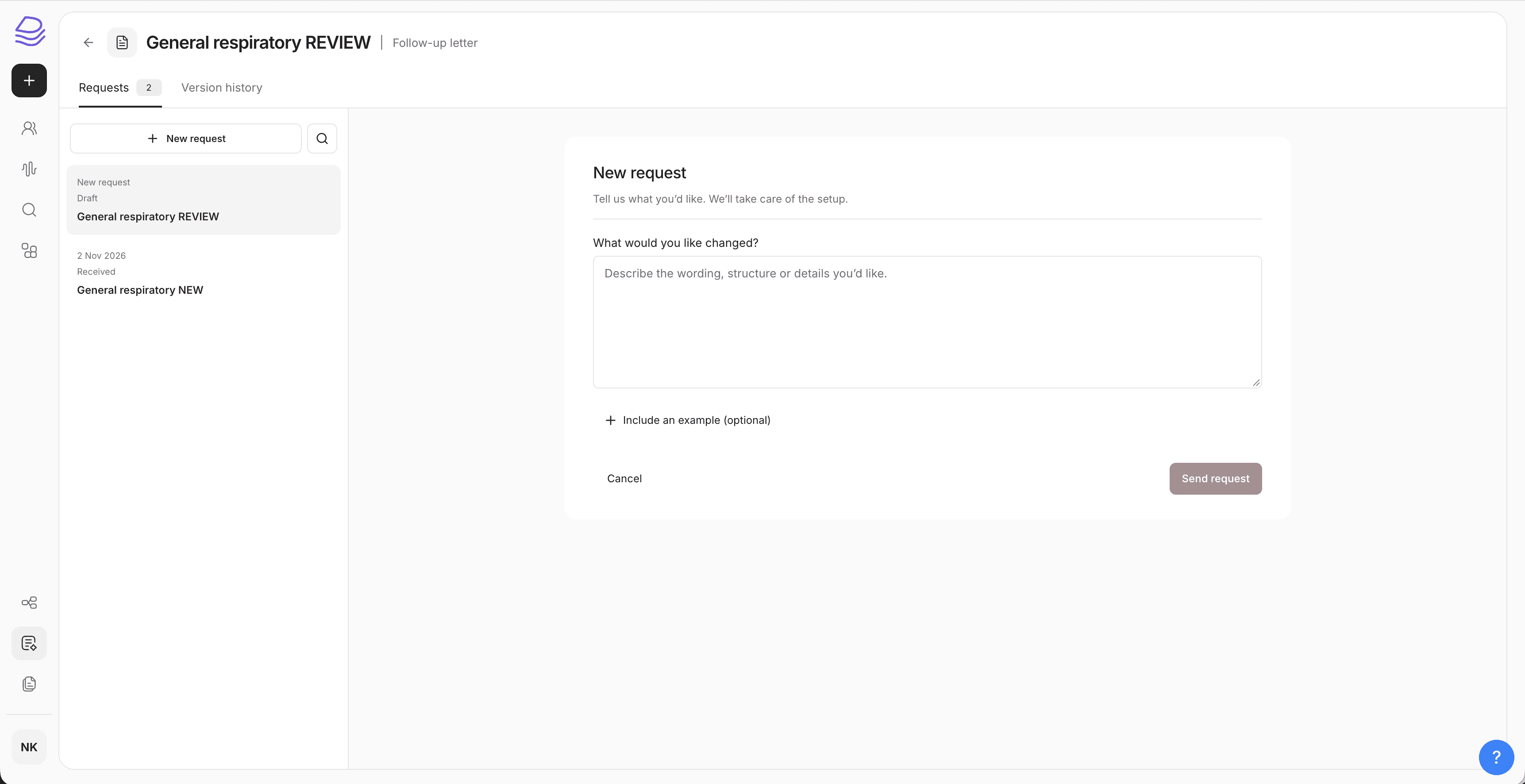
If the available settings do not cover what you need, send a request in Dorsum. Describe the wording, structure or detail you want changed and attach a de-identified PDF or Word example if helpful.
You can follow the request in Dorsum, review proposed changes and return to earlier template versions.
Check it with a sample consultation
Generate a document using a test patient and representative context. Check the clinical meaning first, then the headings, length and writing style.
If one instruction did not produce the intended result, refine that instruction or send the team a specific example. A useful request explains both what happened and what you wanted instead.
Make it the usual choice
In Workflows, choose the documents and defaults you want for consultations and dictations. Set separate choices for initial and follow-up visits where needed.
Continue reviewing each generated document before use. A preferred template gives the draft a consistent starting point; it does not replace the review of the current consultation.