Summary
The easiest place to start is an appointment your practice handles every day. Set up the documents it needs, check the connection to your practice software and run through the process with a test patient.
Choose the first consultation type
Start with an initial consultation or a regular follow-up. Agree which note, letter and request forms it should produce, where they should be saved and who sends the final correspondence.
Connect the practice and check each clinician’s setup
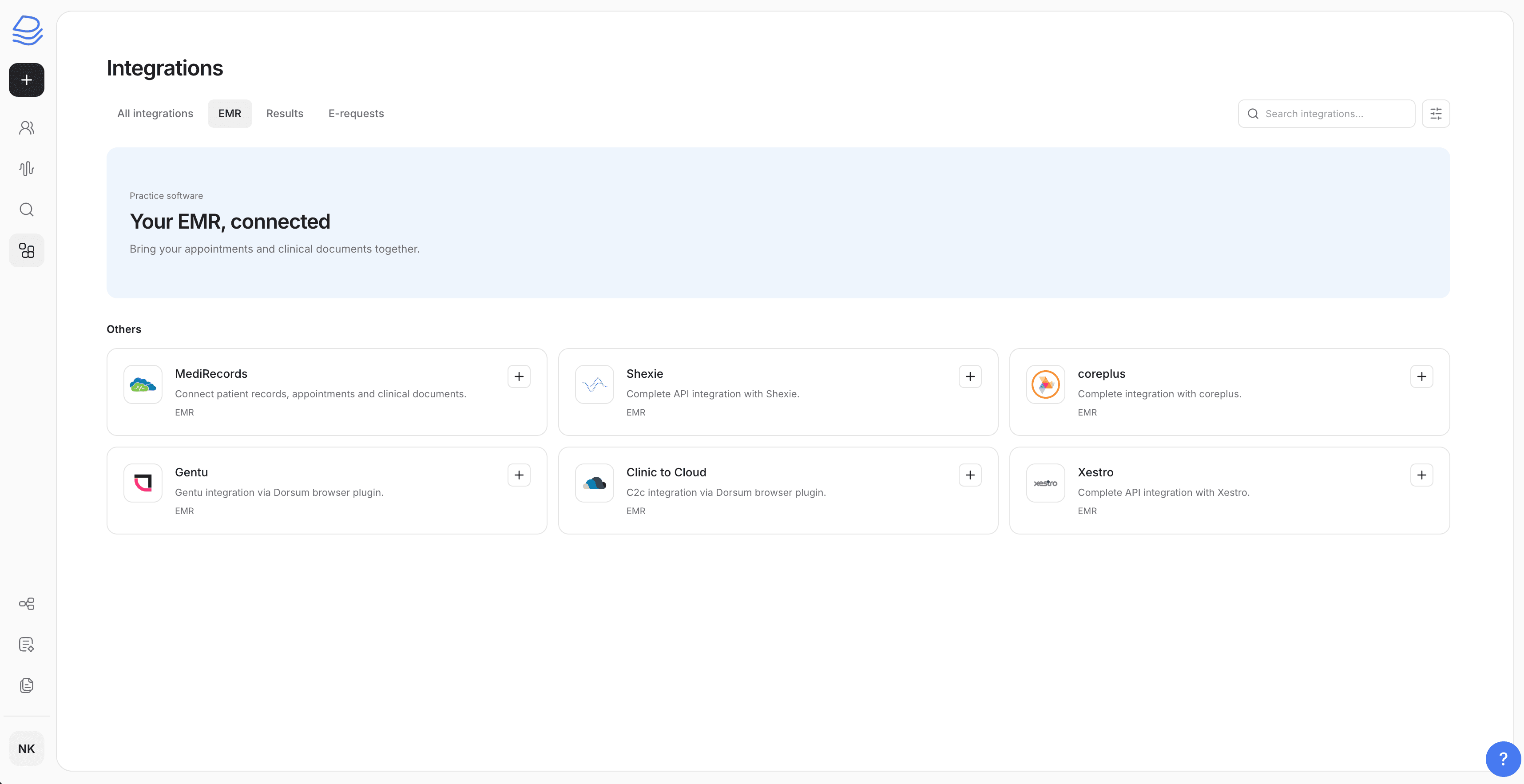
Follow the setup guide for your practice software. Each clinician signs in with their own Dorsum account and checks the microphone on the computer they use in clinic.
If the workflow includes external investigations, connect the relevant providers and confirm access before relying on the results during an appointment.
Prepare the documents you use most
Choose the closest templates and provide de-identified examples of your usual letters if changes are needed. Set separate defaults for initial and follow-up consultations in Workflows.
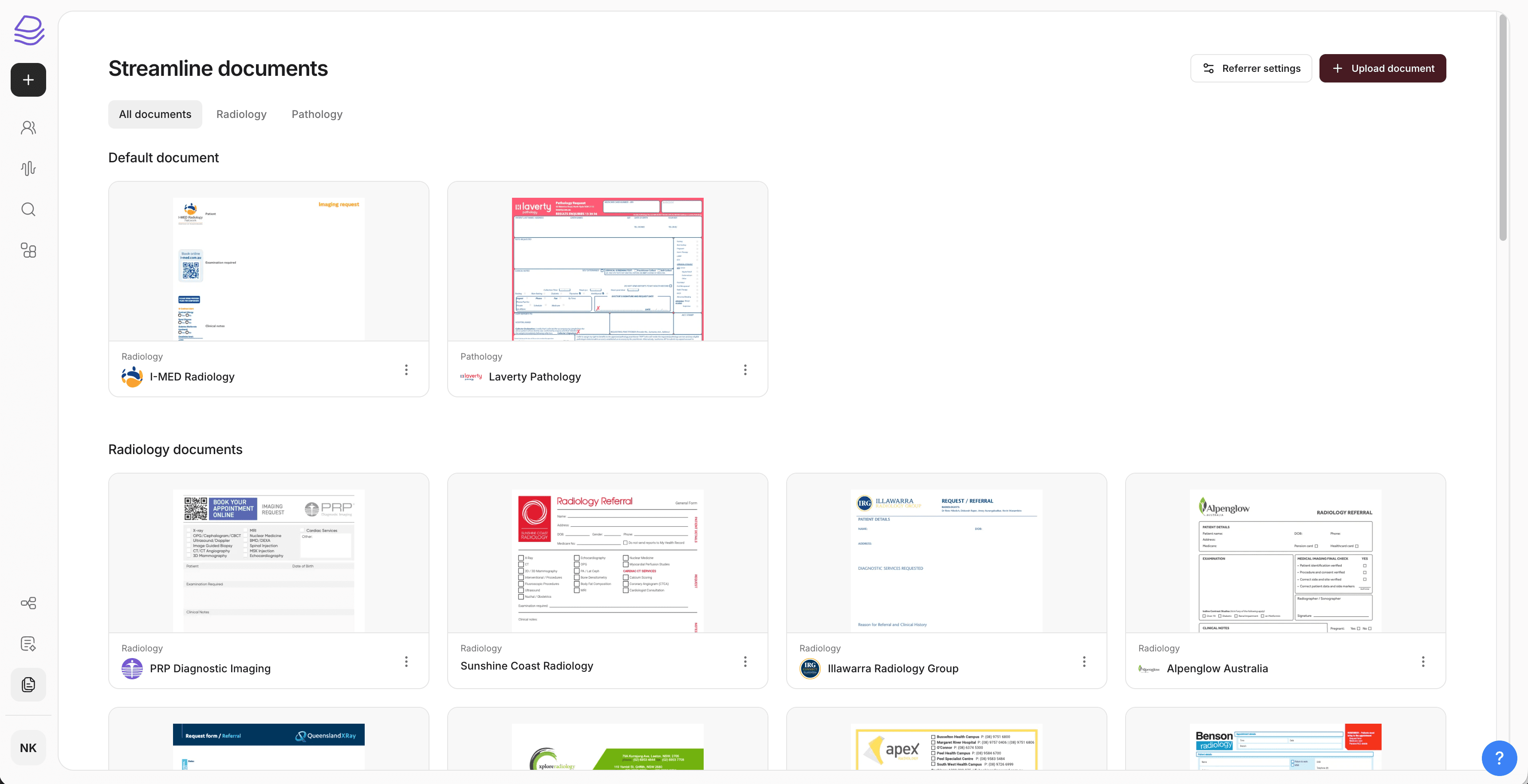
For request forms, choose your radiology and pathology defaults in Streamline documents and check the referrer details.
Run one complete test consultation
Open a test patient, add context, record a short consultation and generate the documents. Make an edit, complete the saving steps and check the result in the patient record.
Include the person who normally sends letters or handles follow-up so they can check their part of the process too.
Use the first sessions to refine the setup
Ask the clinicians which edits they repeated and which steps were unclear. Turn those into specific template or setup changes before adding more users.
Keep the first-use and integration guides handy. For help with a connection or template, message the team in Dorsum or email support@dorsum.ai.