Summary
A workflow should make the routine parts of a consultation easier to repeat. Start by describing the steps your practice already follows, including the work that happens before and after the clinician sees the patient.
Some choices are standard settings in Dorsum. Tailored intake, consent and request workflows are configured separately with the team.
Map one common appointment type
Choose an initial consultation, follow-up or another regular appointment. List the information needed beforehand, the documents produced and the actions required afterwards.
For each action, name the person responsible and the destination. “Save the letter to the record” and “send the letter to the referrer” should be separate items.
Choose the starting documents
In Workflows, set the usual documents and settings for consultations or dictations. Use different defaults for initial and follow-up visits where that reflects how your practice works.
Check the relevant templates and letterhead. The clinician should still be able to review the documents and choose the appropriate final actions for the patient.
Include forms where they are needed
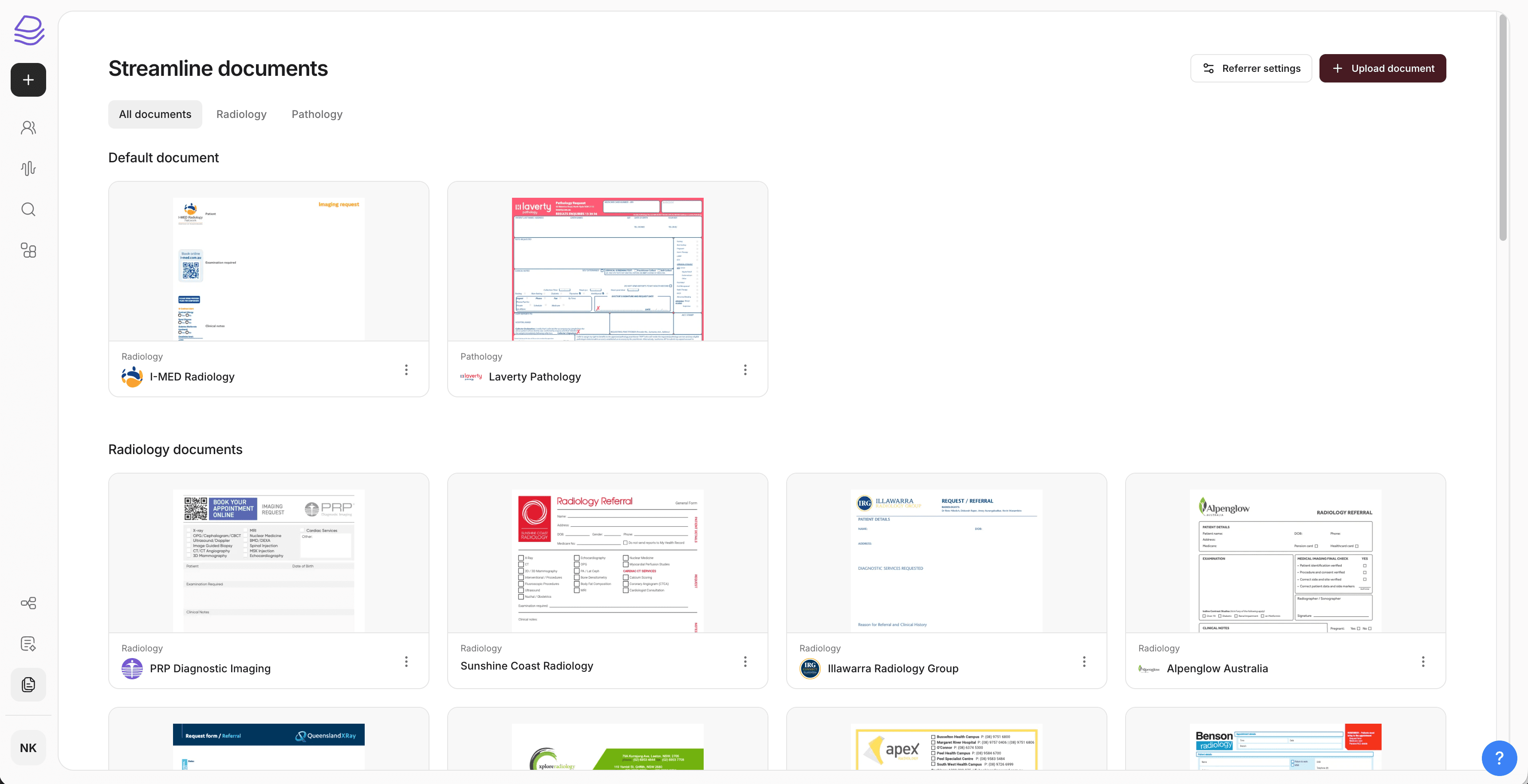
In Streamline documents, choose the radiology and pathology request forms you use and confirm the referrer details. Upload a blank form if the team needs to prepare one for your practice.
If you need intake questionnaires, consent forms or rules for preparing request drafts, describe those steps to the Dorsum team. Agree which actions are automatic and which wait for clinician review.
Test the complete sequence
Use a test patient
Start from the same appointment or entry point clinicians will use in practice.
Prepare and review the documents
Add representative context, make a short recording and check the generated outputs.
Check each final action
Review the selections, complete the workflow and confirm each document in its intended destination.
Try an exception
Check how an unavailable connection or failed action is shown, and agree who handles it.
Review the first few uses
Ask the clinician and practice team which steps repeated, which documents needed the same edits and where the outcome was unclear. Make one specific change, then check it in the next test.
Keep a short guide with the agreed process and support contact. Update it when the practice changes templates, destinations or responsibilities.