Summary
Choosing the same documents and correcting the same formatting after every appointment adds work to a clinic. Dorsum lets you set those recurring preferences once, while keeping each draft editable.
Set your usual documents in Workflows
Choose the notes and letters you normally prepare for an initial consultation and a follow-up. These become the starting choices for that appointment type. Add or remove documents when a particular visit needs something different.
Move repeated edits into the template
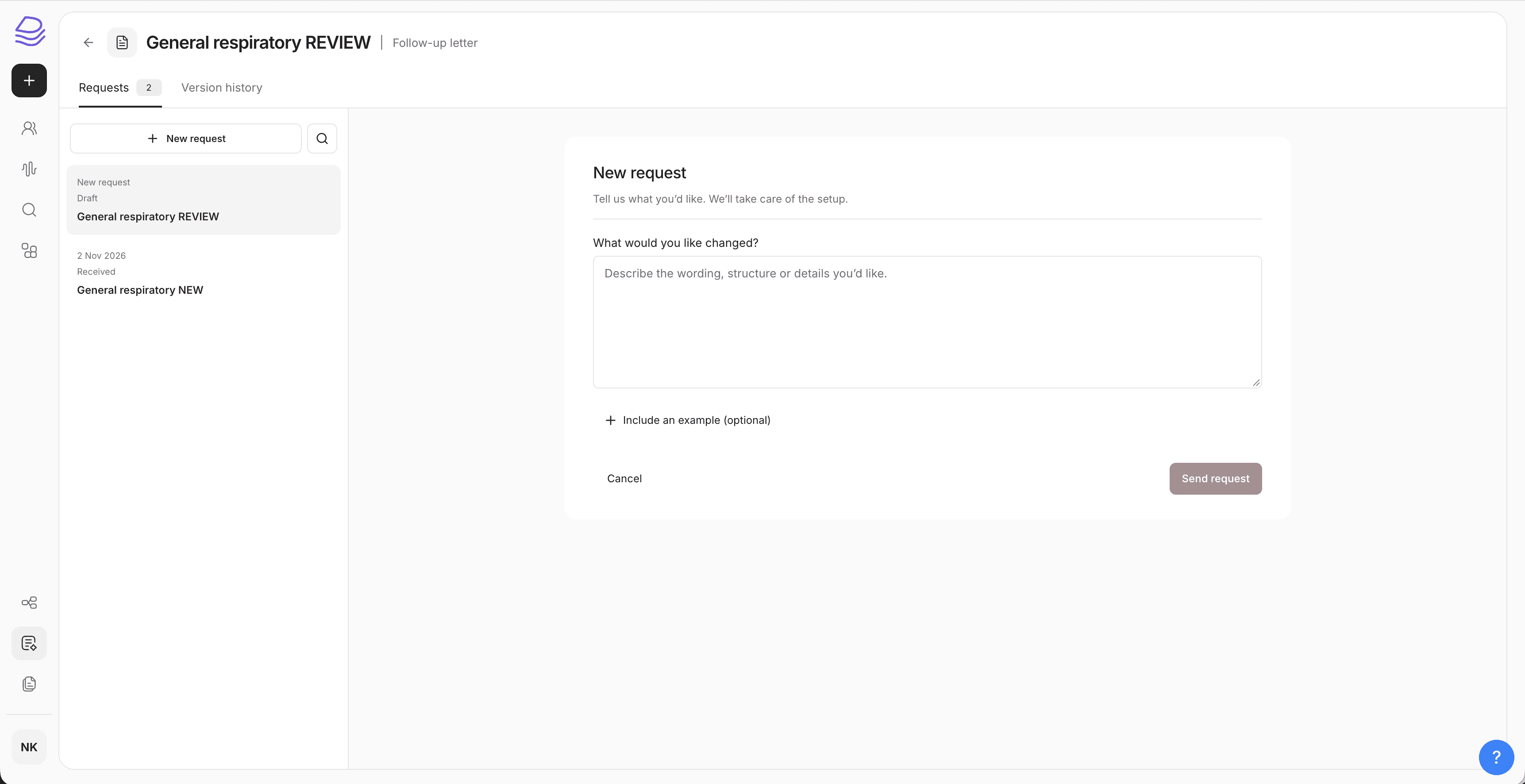
If you always shorten the opening or reorganise the plan, make that preference part of the template. Adjust the available settings or send a request to the team.
Be specific about the change: “Keep the history in paragraphs and use bullet points for the plan” gives the team something clear to apply. An example of your preferred letter helps too.
Review the draft, then choose what to save
Read and edit the generated note or letter. At finalisation, check the selected documents, letterhead and saving options for your practice software.
Practice defaults save repeated setup, but you can still change the selection for the current consultation.
Check the result before moving on
Check which actions succeeded. If one document did not save, confirm what is already in the patient record before retrying.
If another team member sends the letter, keep that handover clear. A letter saved in the record has not necessarily been sent to its recipient.