Summary
For an allied health appointment, the work continues after the conversation: session notes, a letter to the referrer or an update for another clinician. The coreplus integration lets you prepare those documents from the consultation and choose what to save back.
Start with your appointment list
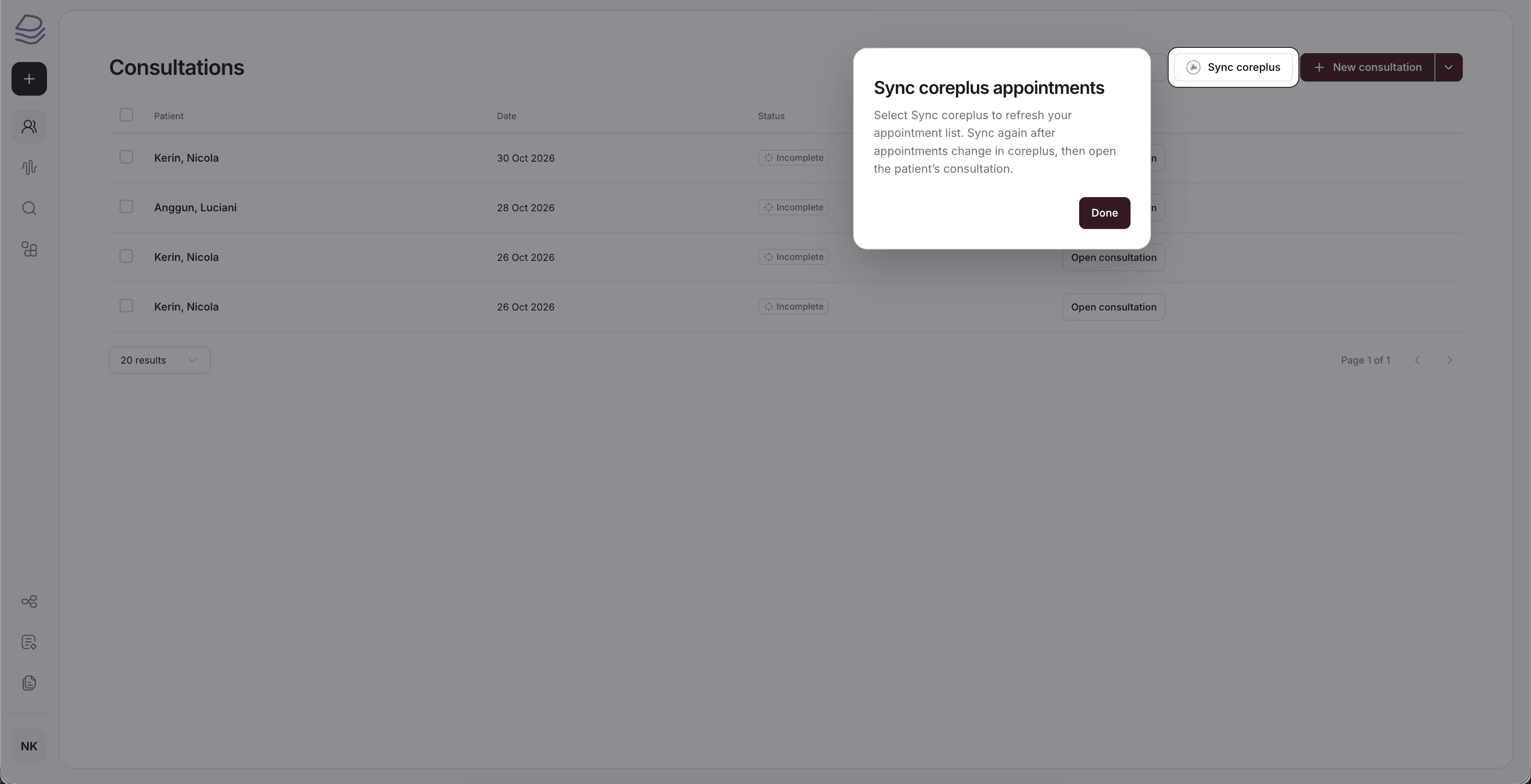
In Dorsum, open Consultations and select Sync coreplus to refresh your appointments. Open the client’s consultation and add the background that matters for the session. If the appointment changes in coreplus, sync again.
Prepare the documents you need
Choose your usual templates for the visit, add relevant background and record the consultation. Dorsum prepares a draft for you to review. You can edit the wording and clinical details before anything is saved to coreplus.
Set up different templates for initial and follow-up appointments, or request changes from the team if the structure does not suit the way you write.
Save notes and letters to the client record
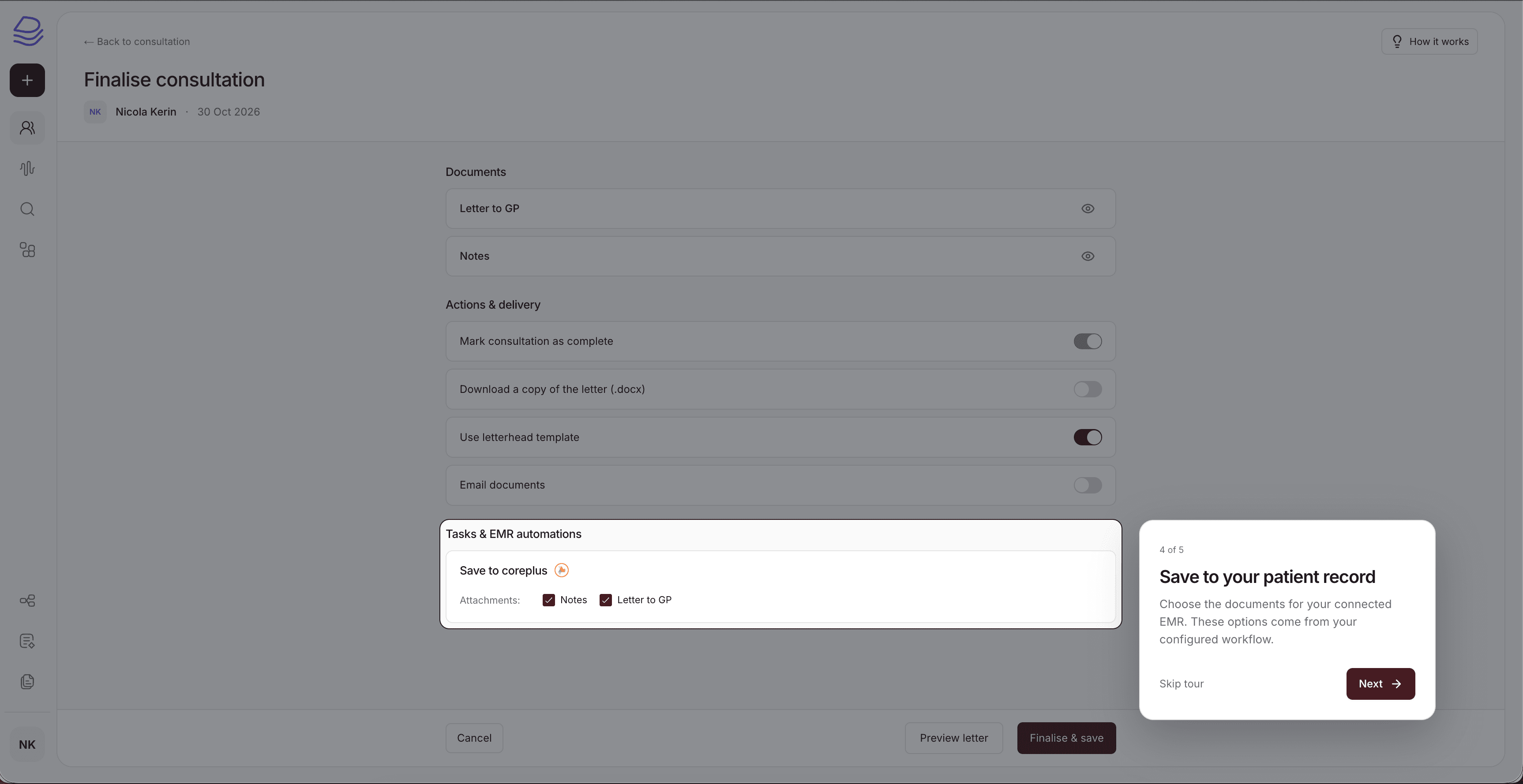
Preview the documents in Finalise consultation and select what to save under Save to coreplus. Complete any required referrer details, then choose Finalise & save. Notes are stored in the client record and letters in Files.
Set up the documents you use
Use your own templates for session notes, referrer letters and other correspondence. Set the usual choices in your workflow, then review the draft for each client. For a team, check each practitioner’s connection and agree any shared templates before rolling it out.
Get started with coreplus
Use the setup and use guide for the connection steps, a first consultation walkthrough and common fixes. If you need a hand with the setup or your templates, contact support@dorsum.ai.